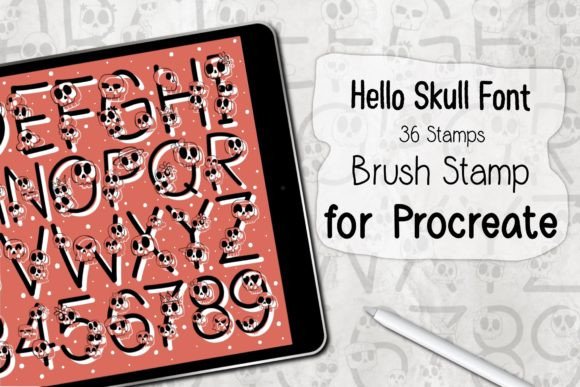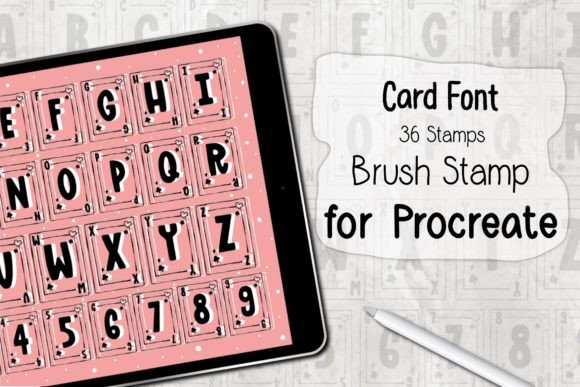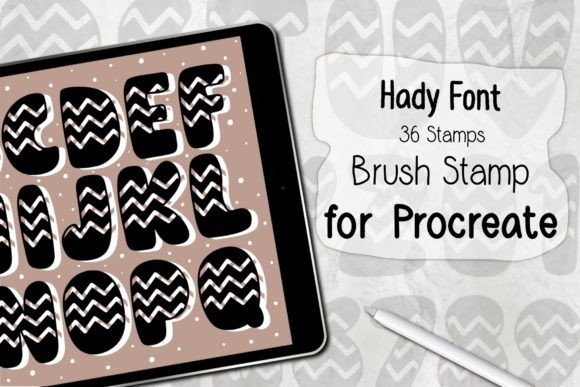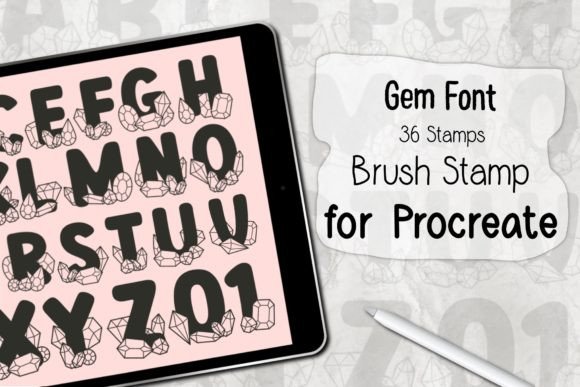
Evaluating the Virus Font Procreate Brush Stamp for Digital Design
In the rapidly evolving landscape of digital illustration and graphic design, efficiency often dictates the quality of output as much as raw talent does. For professionals working within the iPad ecosystem, specifically those utilizing Procreate, the demand for tools that bridge the gap between custom typography and rapid asset creation is high. The Virus Font Procreate Brush Stamp emerges as a specialized resource designed to meet this need. Unlike standard typefaces that require manual kerning, layering, and effect application, this brush set offers a streamlined approach to integrating stylized text elements into visual compositions. This analysis explores the practical utility, technical requirements, and workflow implications of incorporating this specific stamp set into a professional creative toolkit.
Understanding the Utility of Stamp-Based Typography
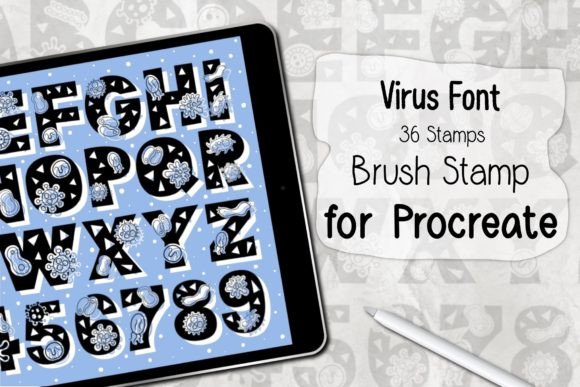
The concept behind the Virus Font Procreate Brush Stamp is rooted in the principle of modular design. Rather than treating text as a static vector or raster layer that must be manipulated individually, this tool converts character glyphs into dynamic brush stamps. Each press of the Apple Pencil places a pre-designed character or symbol onto the canvas, complete with inherent stylistic attributes. This method is particularly valuable for creators who need to produce repetitive patterns, textured backgrounds, or quick headline graphics without the overhead of traditional typesetting software.
The primary strength of this approach lies in its immediacy. When designing cards, social media graphics, or packaging mockups, time is often a critical constraint. The ability to "paint" text allows for organic placement and scaling that feels more intuitive than dragging and resizing text boxes. For marketers and small business owners who manage their own branding, this reduces the learning curve associated with advanced typography tools, allowing them to focus on composition and message rather than technical execution.
Technical Specifications and Compatibility
Before integrating any new asset into a workflow, understanding its technical boundaries is essential. The Virus Font Procreate Brush Stamp is distributed as a ZIP file containing a single .brushset file. This format is native to Procreate, ensuring that installation is straightforward for users familiar with the app’s library management. However, compatibility is strictly limited to the Procreate environment on iPadOS.
To utilize this tool effectively, specific hardware and software prerequisites must be met. Users require an iPad Pro or a compatible iPad model that supports pressure sensitivity. The reliance on pressure data means that a standard capacitive stylus will not suffice; an Apple Pencil or a high-quality third-party alternative with pressure and tilt support is mandatory. Furthermore, the software requirement is Procreate version 5.0 or higher. This ensures that the brush engine can correctly interpret the stamp dynamics and rendering properties embedded in the file. Attempting to use this set on older versions may result in rendering errors or a complete failure to load the brushes.
Workflow Integration and Installation Process
The ease of installation is a notable feature of the Virus Font Procreate Brush Stamp. The process is designed to minimize friction, allowing creators to move from download to creation in minutes. Upon purchasing or acquiring the ZIP file, the user must first unzip the archive to access the .brushset file. On an iPad, this typically involves tapping the file in the Files app and selecting "Unzip."
Once extracted, the integration is seamless. By selecting "Open in Procreate," the application automatically imports the entire set of 36 stamps into the Brush Library. There is no need for manual mapping or complex configuration. The brushes appear in a dedicated folder, ready for immediate use. This simplicity is crucial for professionals who may switch between multiple projects daily, as it eliminates the setup time often associated with third-party assets. The automatic installation also reduces the risk of user error, ensuring that the brushes function as intended by the developer.
Practical Applications and Creative Flexibility
The versatility of the Virus Font Procreate Brush Stamp extends beyond simple text insertion. With 36 unique stamps available, creators can experiment with various compositional techniques. One effective use case is the creation of custom patterns. By adjusting the spacing and rotation settings within Procreate’s brush studio, users can generate intricate backgrounds for greeting cards, website headers, or product packaging. The "Virus" aesthetic, often characterized by distorted, glitchy, or organic forms, lends itself well to modern, edgy design trends popular in tech, music, and youth-oriented marketing.
For educators and content creators, these stamps can serve as engaging visual aids. The ability to quickly annotate images or create stylized titles for video thumbnails enhances viewer engagement without requiring extensive graphic design skills. Freelancers can leverage this tool to offer faster turnaround times for clients who need quick conceptual mockups. The consistency of the stamps ensures that brand elements remain uniform across different pieces of collateral, maintaining professional standards even under tight deadlines.
Limitations and Considerations for Professional Use
While the Virus Font Procreate Brush Stamp offers significant advantages in speed and ease of use, it is not a replacement for comprehensive typography software. The fixed nature of brush stamps means that kerning adjustments are limited to manual positioning. For large bodies of text or precise editorial layouts, traditional text tools remain superior. Additionally, because the brushes are raster-based, scaling them up significantly after placement may result in pixelation, depending on the canvas resolution. Professionals should therefore ensure they are working at a sufficiently high DPI to maintain print-quality standards if the final output is physical.
Another consideration is the exclusivity to Procreate. Designers who work across multiple platforms, such as Adobe Photoshop or Illustrator, cannot directly transfer these brushes. This limits the tool’s utility to those fully invested in the Apple iPad ecosystem. However, for those who do operate within this environment, the integration is flawless and highly efficient.
Final Assessment of Value
The Virus Font Procreate Brush Stamp represents a pragmatic solution for digital creators seeking to enhance their workflow efficiency. It balances artistic flair with functional practicality, offering a set of tools that are both easy to install and simple to use. For individuals aged 20–50, including entrepreneurs, marketers, and serious hobbyists, this asset provides a tangible return on investment by reducing the time spent on repetitive design tasks.
Its value is most pronounced in projects requiring quick visual impact, such as social media content, event flyers, and pattern design. While it has limitations regarding scalability and cross-platform compatibility, its strengths within the Procreate environment are undeniable. By understanding its capabilities and constraints, users can effectively integrate this brush set into their creative process, saving time while maintaining a high standard of visual quality. Ultimately, it is a worthwhile addition for any iPad-based designer looking to expand their typographic repertoire with minimal friction.